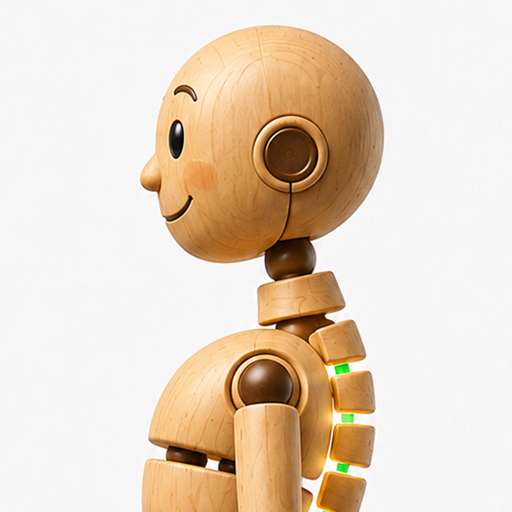
 DeSlouch
AirPods setup guide
Use this checklist before your first posture reminder session.
- Connect compatible AirPods to your iPhone and allow Motion & Fitness access.
- Sit comfortably upright and calibrate your neutral posture.
- Start a session: DeSlouch gently alerts you when forward head tilt persists.
Requirements and limitations
Compatible motion-enabled AirPods required. AirPods mode can work with the iPhone locked when background tracking is enabled. Phone-on-body fallback requires the app open and screen on. DeSlouch is a habit aid, not a medical device.
Which devices?
iPhone and motion-enabled AirPods; Android is not released.
No alerts?
Check headphone connection and Motion & Fitness permission, recalibrate, and check sensitivity and sound settings.
Where is posture data?
Sensor readings are processed on the device; posture history stays local. App usage analytics are described in the privacy policy.
Need help?
Email sup@agemoware.com with iPhone model, iOS version, mode and steps to reproduce.
Download on App StoreGoogle Play — not available